Disclosure: This article may contain affiliate links. We may earn a commission at no additional cost to you.
Table of Contents
ToggleAre Hot-Swappable Keyboards Worth It for Beginners? Pros, Cons, and Buying Advice (2026)
If you’re shopping for a mechanical keyboard and you’ve seen the term hot-swappable, you’re not alone asking: are hot swappable keyboards worth it? In short — usually yes, for people who want flexibility, easy repairs, and an upgrade path. This guide explains what hot-swap means, how it works, the real benefits and downsides for beginners, common mistakes to avoid, and whether a hot-swappable board makes sense for your gaming setup.
What does “hot-swappable” mean?
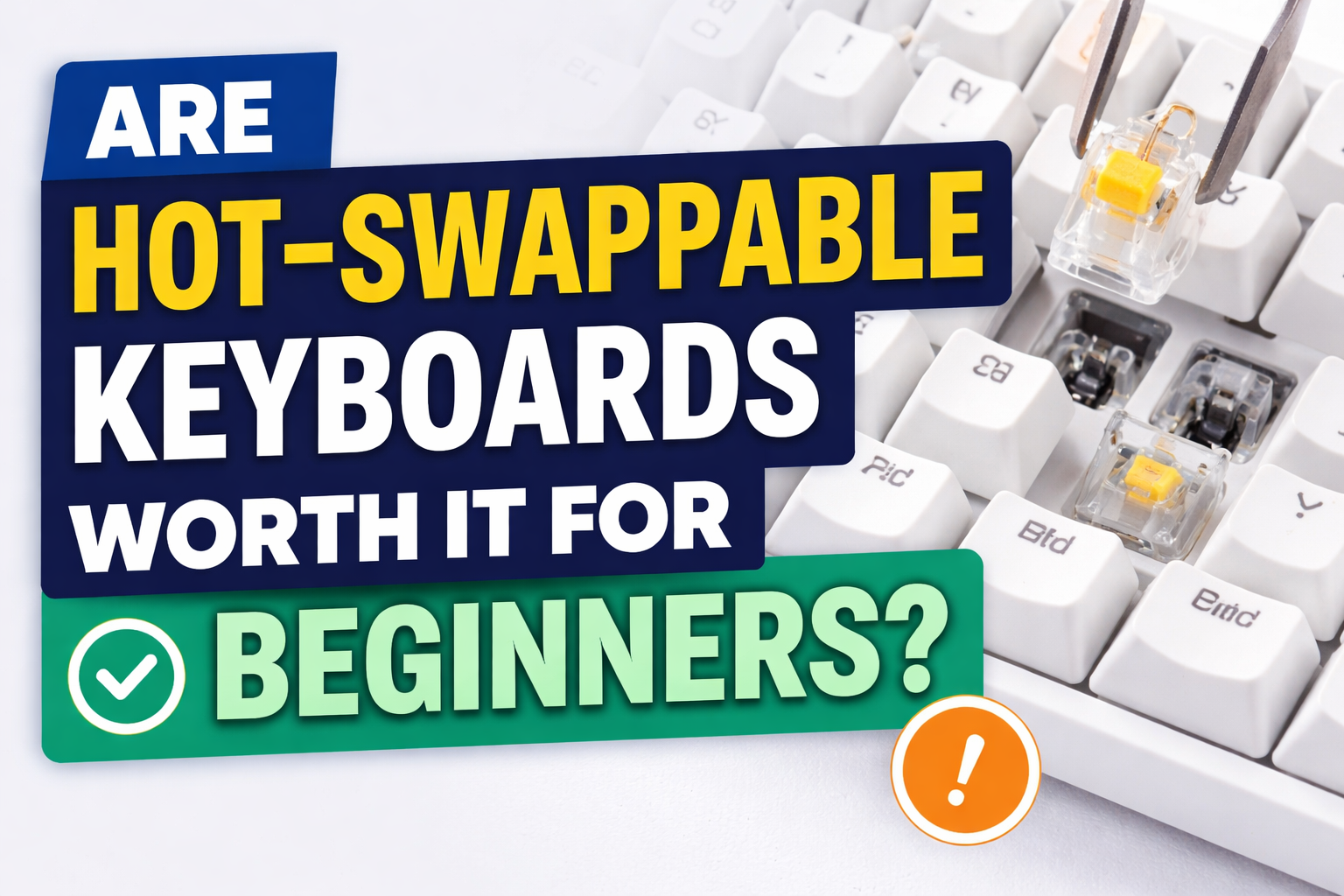
A hot-swappable keyboard has sockets on its PCB that let you pull switches out and push different switches in — no soldering required. Instead of desoldering and resoldering switches, you use a switch puller and swap them in minutes. Most hot-swap boards support standard 3-pin or 5-pin mechanical switches; check compatibility before buying.
How hot-swap works (simple)
-
The keyboard’s PCB uses springy metal sockets.
-
Each switch has pins that fit into the socket.
-
Pull the switch straight out with a puller, push a new one in — done.
This lets you test switch types (linear, tactile, clicky) or replace one bad switch without special tools.
Why hot-swappable keyboards are great for beginners
Easy customization. You can try different switch feels without a soldering iron — great if you’re unsure which switch you’ll like.
Simple repairs. If a single key dies, you replace one switch, not the whole board.
Long-term value. The ability to change switches extends a keyboard’s useful life and helps you upgrade piecemeal.
Beginner-friendly. No soldering skills required — pull and plug.
Downsides to know (real talk)
Slight price premium. Hot-swap models often cost a bit more up front.
Not essential for everyone. If you never plan to change switches, hot-swap is a luxury not a necessity.
Compatibility caveats. Some boards only support certain switch pin layouts, and hot-swap sockets vary in quality.
Minor build compromises. A few hot-swap PCBs are less rigid than fully soldered designs — depends on the model and build quality.
Hot-swap vs soldered — quick comparison
| Feature | Hot-Swappable | Soldered |
|---|---|---|
| Switch changes | Easy | Requires soldering |
| Repairability | High | Low |
| Customization | High | Low |
| Price | Slightly higher | Often cheaper |
| Beginner-friendly | Yes | No |
Do hot-swappable keyboards affect gaming performance?
No — hot-swapping itself doesn’t add latency or reduce reliability. The sockets are just connectors. Gaming performance depends on switch type (linear vs tactile), polling rate, firmware, and build quality. Many competitive players use hot-swappable boards to try faster linear switches or quieter options without compromising responsiveness.
Common beginner mistakes to avoid
-
Assuming all switches fit all boards. Check if a board supports 3-pin or 5-pin switches.
-
Mixing wildly different switches across the board. Randomly mixing heavy and light switches can feel inconsistent.
-
Thinking hot-swap equals premium build quality. Hot-swap is a feature, not a guarantee of strong construction.
-
Overpaying when you won’t customize. If you’ll never change switches, a good soldered board may be cheaper and fine.
Are hot-swappable keyboards worth it on a budget?
Yes — more affordable hot-swap boards exist now, including compact 60% layouts. They might cost a little more than the cheapest soldered boards, but the ability to swap switches and replace a single failed switch can save money over time. If you’re on an extremely tight budget and have zero interest in customization, choose the cheaper option. But if you want flexibility, hot-swap is a smart long-term buy.
Who should buy a hot-swappable keyboard?
Buy one if you:
-
Want to experiment with switch types without soldering.
-
Plan to keep your keyboard for years and may want upgrades.
-
Value easy repairs and customization.
Skip it if you:
-
Want the absolute cheapest board and never plan to change switches.
-
Don’t care about switch feel or long-term modding.
Quick buying checklist
-
Check 3-pin vs 5-pin compatibility.
-
Look for sturdy hot-swap sockets (good reviews help).
-
Decide on layout (60%, 65%, TKL) based on your needs.
-
Consider hot-swap + hotkey software if you want remapping.
-
If budget matters, compare a quality soldered board vs a cheap hot-swap to see value.
Final verdict
So, are hot-swappable keyboards worth it? For most beginners who want choice, repairability, and an upgrade path — yes. They offer flexibility without technical barriers and can improve your long-term satisfaction with a mechanical keyboard. If you’re purely price-driven and won’t swap switches, a soldered board still works — but hot-swap gives you options.
To see how hot-swap technology is used in real keyboards, check out our comparison of three hot-swappable mechanical keyboards.