Disclosure: This article may contain affiliate links. We may earn a commission at no additional cost to you.
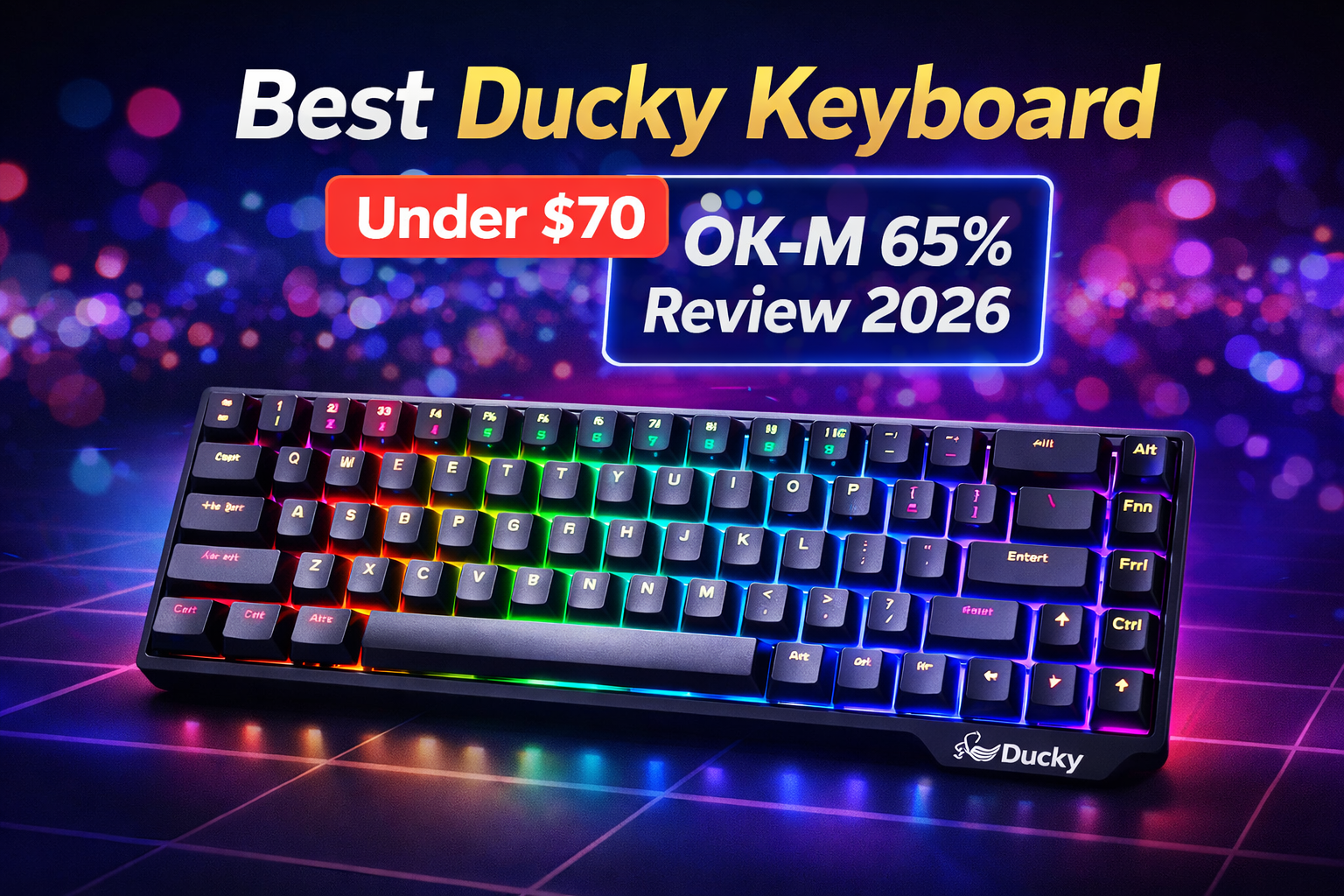
Ducky Keybard OK-M 65% Review 2026: The $69 Wireless Keyboard That Beats Keychron?
PC World just called it “the best budget keyboard around.” Ducky’s new OK-M 65% delivers wireless freedom, VIA programming, and gasket-mounted typing—features usually reserved for $150+ boards—for just $69. After testing the 65%, 75%, and 98 layouts, here’s why this might be the budget king of 2026.
At a Glance
| Spec | Detail |
|---|---|
| Price | $69 (65%), $79 (75%), $89 (98) |
| Layouts | 65% (no F-row), 75%, 98 (1800 compact) |
| Connection | 2.4GHz wireless + USB-C wired |
| Switches | KTT (hot-swappable, 3/5-pin) |
| Keycaps | PBT double-shot |
| Mount | Gasket + 5-layer dampening |
| Software | VIA (browser-based, no install) |
| Extras | Aluminum volume knob, RGB side lighting |
Best For
| You’ll love this if… | Skip this if… |
|---|---|
| ✓ You want wireless under $100 | ✗ You need dedicated F-keys (get 75%) |
| ✓ You care about typing feel | ✗ You want premium aluminum build |
| ✓ You like customizing keycaps/switches | ✗ You need 5+ day battery life |
| ✓ You want VIA programming | ✗ You prefer clicky switches (these are linear) |
Full Review: What You Get for $69
The Short Version
The Ducky OK-M series is Ducky’s first real attempt at budget keyboards . At just $69 for the 65% model, it undercuts Keychron’s cheapest VIA-compatible wireless boards by $50+ while matching them feature-for-feature .
What’s in the Box
-
Keyboard
-
USB-C cable (braided)
-
2.4GHz wireless dongle
-
Keycap puller
-
Switch puller
-
Extra keycaps
-
Manual
Build Quality
The case is plastic—no surprise at this price—but it’s solid with minimal flex. The gasket mount and 5-layer dampening actually work, creating a soft, thocky typing feel that rivals boards twice the price . The aluminum volume knob is a nice premium touch you don’t expect at $69.
Switches and Typing Feel
The stock KTT linear switches are the weakest link . They’re scratchier than Gaterons or Kailhs, with some wobble. But here’s the thing: hot-swap sockets mean you can swap them out later for $20-30. Out of the box, they’re perfectly usable—just not exceptional.
Wireless Performance
2.4GHz mode gives you true 1000Hz polling with zero perceptible lag . Bluetooth is there for convenience but not gaming. The 1000mAh battery lasts “a couple weeks” with moderate use—not class-leading, but fine for most.
VIA Programming
This is huge at this price. VIA runs in your browser—no software to install. You can remap every key, create macros, and adjust RGB from any computer . Ducky even includes extra keycaps so you can customize the look.
RGB and Aesthetics
Per-key RGB plus side lighting strips . It’s tasteful—not too gamery. The 65% layout looks clean on any desk.
The Honest Trade-Offs
| Where It Wins | Where It Cuts Corners |
|---|---|
| VIA software (free, browser-based) | KTT switches (scratchy, wobbly) |
| Gasket mount + 5-layer foam | Plastic case (not premium) |
| Hot-swap sockets (upgrade anytime) | Battery life (2 weeks, not months) |
| PBT keycaps (won’t shine) | No F-row on 65% (get 75% if needed) |
| Wireless + 2.4GHz (true 1000Hz) | No dedicated software (VIA takes learning) |
The bottom line: You’re getting $150 worth of features for $69, with the understanding that switches are the one thing you might want to upgrade later.
Which Size Should You Buy?
| Model | Price | Best For |
|---|---|---|
| OK-M 65% | $69 | Gamers who want max desk space, don’t need F-row |
| OK-M 75% | $79 | All-around use—keeps F-row, still compact |
| OK-M 98 | $89 | Productivity users who need numpad |
Frequently Asked Questions
Is the Ducky OK-M 65% good for gaming?
Yes. The 2.4GHz wireless mode delivers true 1000Hz polling with no noticeable lag. The linear switches are fine for gaming, and the 65% layout gives you maximum mouse space.
Can I change the switches?
Yes—hot-swap sockets support 3-pin and 5-pin switches. You can upgrade to Gateron, Kailh, or any MX-style switches later for $20-30.
Does it work with Mac?
VIA software works on Mac, and you can remap keys to Mac layout. The included keycaps are Windows-focused but you can swap them.
How does it compare to Keychron?
The OK-M undercuts Keychron’s V-series by $50+ while offering the same features: wireless, VIA, hot-swap, and gasket mount . PC World calls it “an absolutely incredible value” that beats Keychron on price .
What’s the battery life?
About 2 weeks with moderate use (RGB on). Turn RGB off and you’ll get longer. Not class-leading, but fine for most.
Does it come with a wrist rest?
No—just the keyboard and accessories.
Final Verdict
| Your Priority | Verdict |
|---|---|
| Value for money |  Best in class Best in class |
| Typing feel | Gasket mount punches way above price |
| Wireless gaming | True 1000Hz, no lag |
| Build quality | Plastic but solid |
| Stock switches | Replaceable—budget for upgrades |
The bottom line: At $69, the Ducky OK-M 65% is the best value wireless mechanical keyboard of 2026. It delivers features you’d normally pay $150+ for—VIA programming, gasket mount, hot-swap sockets, and true wireless gaming—in a clean, compact package. The stock switches are the only weak point, and you can fix that later for $20.
If you want the best bang for your buck in a wireless keyboard, this is it.
Check Ducky OK-M 65% price on Amazon