Disclosure: This article may contain affiliate links. We may earn a commission at no additional cost to you.
Table of Contents
ToggleTop 3 Best Gaming Keyboards Under C$50 – Budget Picks That Are Actually Worth It
Introduction
Finding a good gaming keyboard under C$50 can feel overwhelming. Many low-priced keyboards look flashy but fail in build quality, typing feel, or long-term durability. The good news is that there are solid options in this price range if you know what to look for. Whether you want a compact mechanical keyboard for travel, a full-size keyboard for gaming and productivity, or a slim mechanical board with RGB lighting, there are strong budget choices available.
In this guide, we compare three of the best gaming keyboards under C$50, each targeting a different type of user. We focus on real-world usability, typing experience, gaming performance, and overall value so you can choose the right keyboard for your setup.
1. Best Compact Gaming Keyboard – Portable 60% Mechanical Gaming Keyboard
Overview
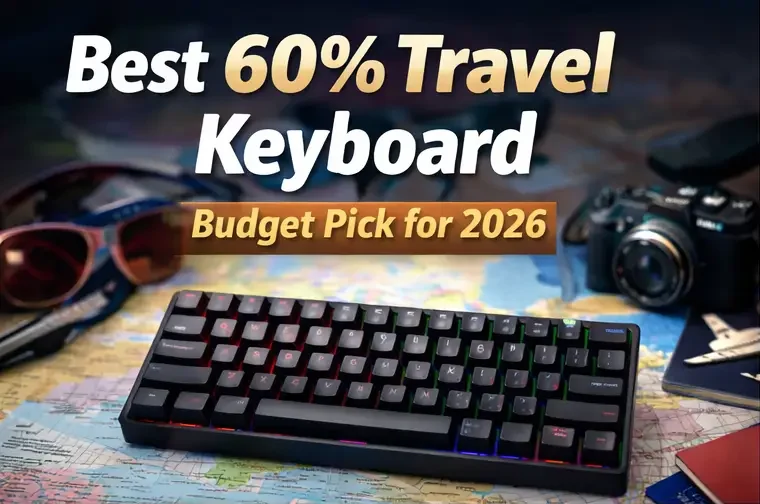
If you prefer a minimal desk setup or need something easy to carry, a 60% mechanical gaming keyboard is a great option. This model features 61 keys, a compact layout, and blue mechanical switches, making it ideal for gamers who value portability and responsiveness.
Typing and Gaming Experience
The blue switches provide a tactile and clicky typing feel, which many gamers enjoy for feedback and precision. Key presses are firm and responsive, making this keyboard well-suited for fast-paced games like Valorant, CS2, Fortnite, and Minecraft.
Because it’s a 60% layout:
Arrow keys and function keys are accessed via shortcuts
Desk space is saved
Mouse movement feels less restricted
This layout may take a few days to get used to, especially for users coming from full-size keyboards, but once adjusted, it’s efficient and comfortable.
Build Quality and Design
Despite its small size, the keyboard feels solid. The keys are well-spaced, and the casing is durable enough for daily use and travel. The LED backlighting adds visual appeal without being overwhelming, and customization options allow you to switch between lighting modes easily.
Who It’s Best For
Gamers with small desks
Laptop users who want a mechanical keyboard
Travelers and students
FPS players who prioritize mouse space
This keyboard offers excellent mechanical performance in a compact form, making it one of the best portable gaming keyboards under C$50.
2. Best Full-Size Budget Keyboard – Dacoity 104-Key All-Metal Gaming Keyboard
Overview
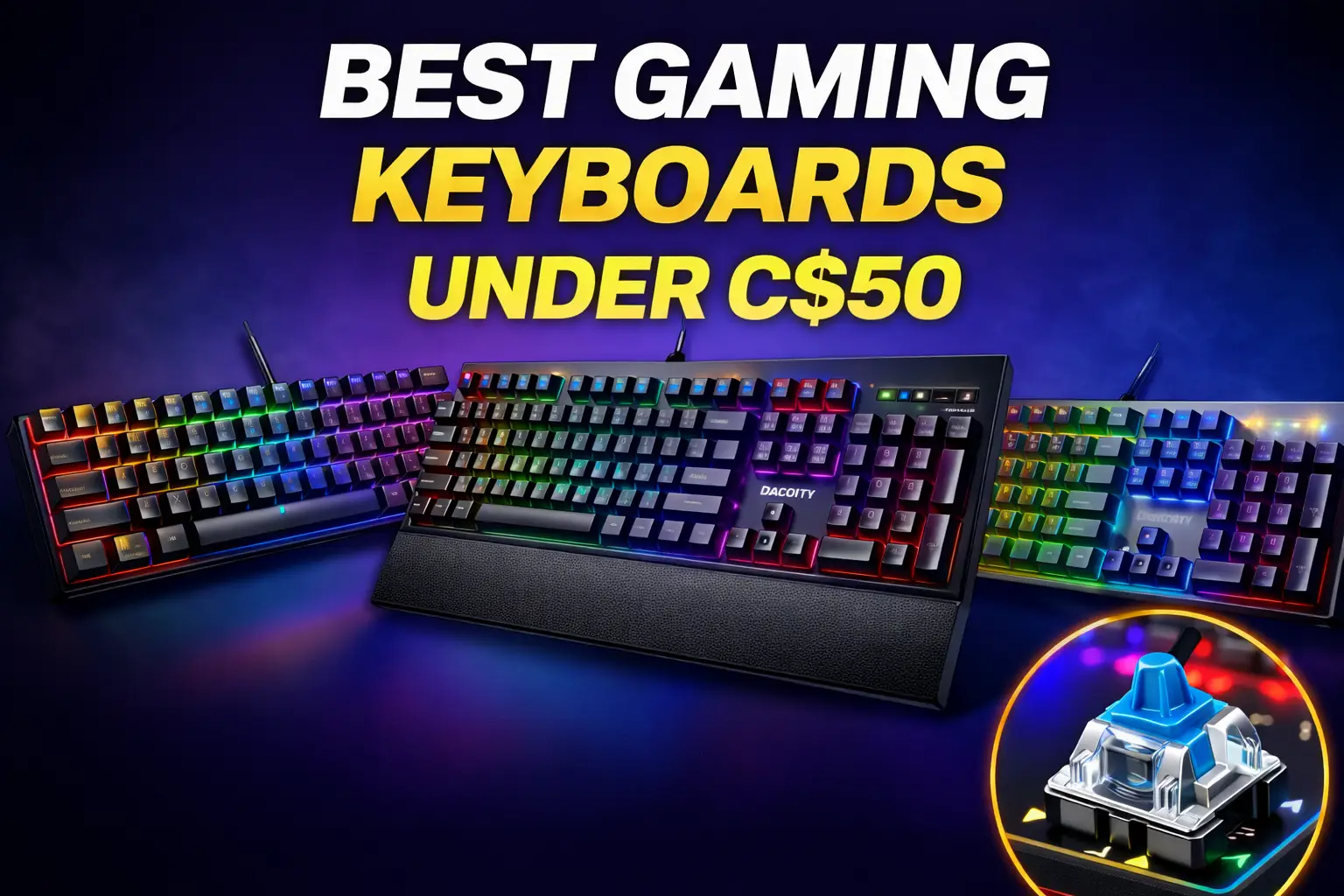
For users who prefer a traditional layout, the Dacoity 104-key gaming keyboard delivers a full-size experience with durability and comfort in mind. It features a metal top panel, rainbow LED backlighting, and a quiet membrane-style typing experience.
Typing and Gaming Experience
Unlike mechanical keyboards, this model focuses on quiet key presses, making it suitable for shared spaces or late-night gaming. The keys are soft and comfortable, which works well for:
Long gaming sessions
Typing and schoolwork
Office and home use
The keyboard includes anti-ghosting keys, ensuring reliable input during gaming. While it won’t feel as crisp as mechanical switches, it performs consistently and predictably.
Build Quality and Features
The metal panel adds noticeable sturdiness, which is rare at this price point. The keyboard also includes:
Wrist rest for comfort
Multimedia keys for quick access
Waterproof design to handle spills
The rainbow LED lighting gives it a classic gaming look without pushing the price up.
Who It’s Best For
Gamers who want a full-size layout
Users who value quiet typing
Budget buyers needing durability
Mixed use: gaming, work, and school
This keyboard is one of the best non-mechanical gaming keyboards under C$50, especially for users who want comfort and reliability over clicky switches.
3. Best Slim Mechanical Keyboard – RGB 104-Key Ultra-Slim Mechanical Gaming Keyboard
Overview
If you want a mechanical keyboard but prefer a slimmer and more modern design, this ultra-slim 104-key mechanical keyboard is an excellent middle ground. It uses blue mechanical switches, RGB backlighting, and a full-size layout while keeping a low-profile aesthetic.
Typing and Gaming Experience
The blue switches offer the familiar clicky mechanical feedback, which is satisfying for both gaming and typing. Compared to standard mechanical keyboards, the slim design:
Reduces wrist strain
Feels faster for typing
Takes up less visual space
Anti-ghosting ensures accurate input during intense gaming moments, and the keys feel responsive across a wide range of games.
Build Quality and Design
This keyboard uses durable ABS keycaps and a spill-resistant design, making it practical for daily use. The RGB lighting adds customization and improves visibility in low-light environments.
While it doesn’t include a wrist rest, its low profile reduces the need for one.
Who It’s Best For
Gamers who want mechanical switches
Users who prefer slim keyboards
RGB fans on a budget
Full-size keyboard users who want a modern look
This is one of the best slim mechanical gaming keyboards under C$50, offering strong performance without bulk.
Buyer’s Guide – How to Choose a Gaming Keyboard Under C$50
Mechanical vs Membrane
Mechanical keyboards offer better feedback and durability
Membrane keyboards are quieter and often more affordable
Choose mechanical for responsiveness, membrane for comfort and silence.
Keyboard Size
60% keyboards save space and improve mouse movement
Full-size keyboards are better for productivity and traditional use
Your desk size and usage matter more than trends.
Switch Type
Blue switches are clicky and tactile
Great for gaming and typing
Not ideal for shared spaces
Extra Features to Look For
Anti-ghosting
Spill resistance
Solid build materials
Comfortable key spacing