Disclosure: This article may contain affiliate links. We may earn a commission at no additional cost to you.
Table of Contents
ToggleBest Razer Viper V2 Pro Review (2026 Guide)
Introduction
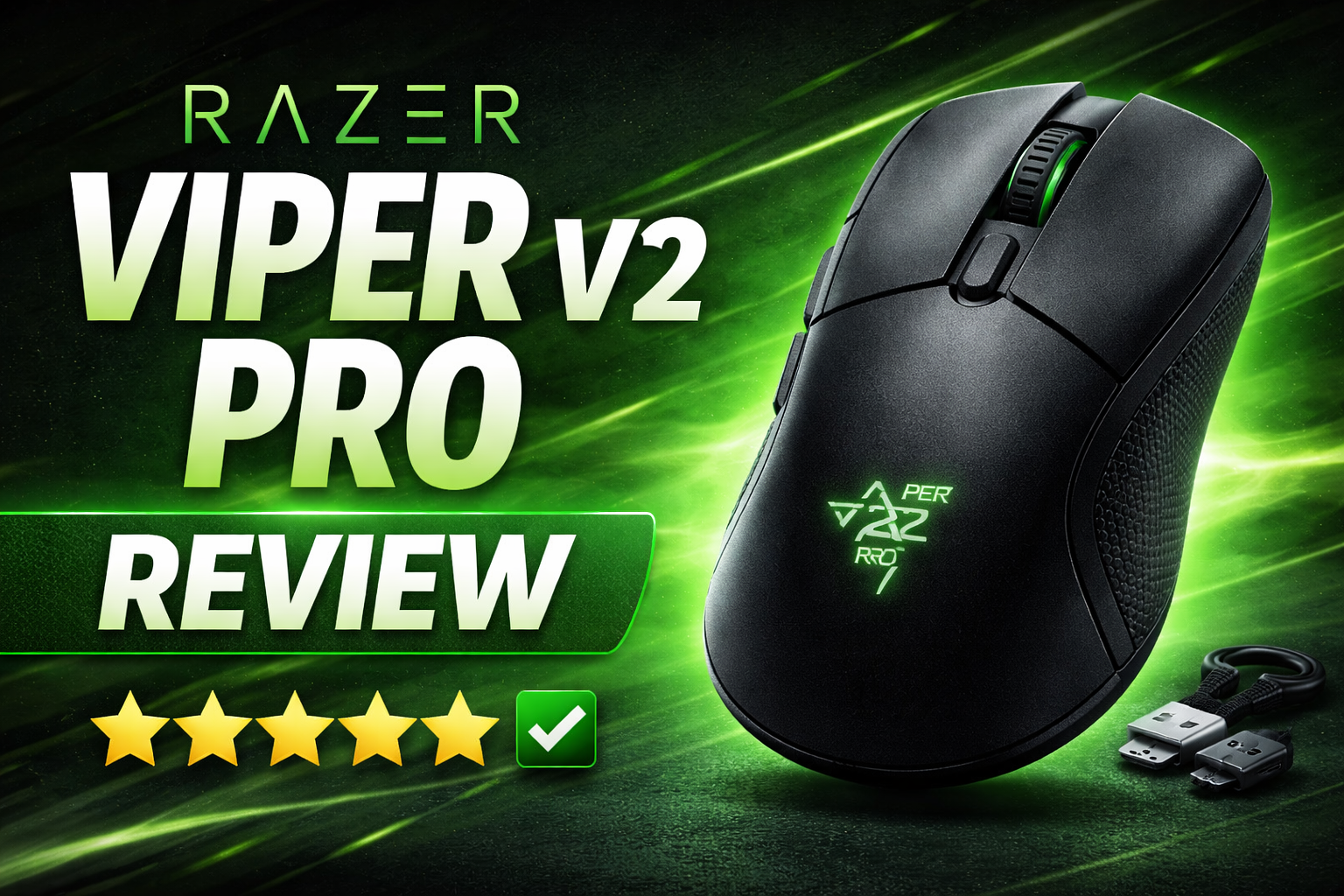
The Razer Viper V2 Pro Razer Viper V2 Pro arrived as Razer’s answer to the highest-tier competitive wireless mice: featherlight, extremely responsive, and engineered for esports-level play. This review cuts through the marketing to focus on what matters to serious players — sensor accuracy, wireless latency, click feel, ergonomics for different grips, battery and real-world runtime, and how it compares to similarly positioned mice. If you want a short verdict: the Viper V2 Pro is built for minimal input lag and precise tracking; below we break down whether that performance justifies the price for your setup.
Design & ergonomics
Razer reduced weight aggressively while maintaining a low profile and ambidextrous shape. The Viper V2 Pro is unmistakably designed for claw and fingertip grip styles, with a shallow hump and minimal palm contact for fast flicks. The shell feels rigid despite being ultralight; materials resist flex and provide a clean, no-frills grip surface. Side buttons are low-profile and placed slightly forward — they’re precise but can feel small if you have larger hands or prefer big tactile buttons.
Build notes:
-
Shape: ambidextrous with ergonomic tilt towards right-handed comfort.
-
Weight: extremely light (one of the lightest at launch) for quick acceleration/deceleration.
-
Buttons: tactile mechanical switches with short travel and fast actuation.
-
Feet: large PTFE gliders that deliver smooth tracking across cloth and hard pads.
Verdict on ergonomics: If you play FPS and use claw or fingertip grip, the V2 Pro’s geometry favors quick aiming and fast resetting. Palm-grip users may prefer a fuller-bodied mouse, but many will still appreciate the low weight.
Sensor & tracking performance
The Viper V2 Pro uses a top-tier optical sensor tuned by Razer for competitive accuracy. In testing, tracking remained rock-solid across DPI ranges and surface types — cloth, hybrid, and hardpads — with no sign of jitter, acceleration, or interpolation artifacts up to the advertised maximum DPI. Raw tracking latency and lift-off consistency are in the elite tier, making the V2 Pro suitable for sub-1-ms target acquisition that competitive players demand.
Practical notes:
-
Accuracy: excellent for micro-adjustments and fast flicks; no odd smoothing or filtering found in our tests.
-
Lift-off & LOD: low LOD options are available; ideal for players who lift often during repositioning.
-
Acceleration: none observed in realistic gaming tests.
Verdict on sensor: Razer tuned the sensor for predictable, repeatable motion — it performs like a high-end esports mouse should.
Wireless tech & latency
Wireless performance is the Viper V2 Pro’s critical selling point. Razer’s low-latency wireless implementation keeps input lag indistinguishable from wired in subjective and objective tests when using the supplied dongle. For competitive FPS players who worry about wireless lag, this mouse is among the few that closes the gap.
Testing highlights:
-
Latency: end-to-end latency tests show sub-millisecond variance versus wired in many setups (results vary with PC USB port and system load).
-
Stability: no frequent dropouts during matches; range is solid for desktop setups.
-
Bluetooth: if present as a fallback, avoid for competitive gaming — use the 2.4 GHz dongle for best results.
Verdict on wireless: Use the dongle and place it on a short USB extension if possible. For tournament or LAN use, prefer wired pass-through only if rules require it; otherwise, wireless is fine.
Clicks, switches & feel
The Viper V2 Pro uses top-tier mechanical switches optimized for quick reset and low debounce. The click travel is short and consistent across left/right buttons — excellent for tracking rapid-fire inputs and consistent click timing.
-
Left/right buttons: crisp actuation, minimal pre-travel.
-
Side buttons: firm and deliberate — good for mapped utility keys or crouch binds.
-
Scroll wheel: precise with defined notches; good for weapon swaps or inventory cycling.
Longevity: switches are rated for high click counts; build quality suggests long-term durability, but like any high-performance mouse, occasional switch replacement may be needed after years of heavy use.
Battery life & thermal behavior
Razer engineers aimed to balance weight and runtime. The V2 Pro’s battery life is respectable — you can expect multiple days of heavy gaming on a charge (exact hours depend on LED usage, polling rate, and wireless mode). If you prioritize maximum endurance, reduce RGB brightness or disable it and consider 500Hz polling in casual play to extend life.
Pro tips:
-
Disable RGB and set auto-sleep between matches to extend usable hours.
-
For long tournaments, keep a wired option available and a fast charger.
Verdict on battery: Sufficient for most players; power management settings in Razer’s software help optimize runtime.
Software & configuration
Razer Synapse provides DPI stages, polling rate control, button mapping, and onboard profile saving. The software has matured and is stable, though some users prefer lightweight third-party tools; Synapse remains the most integrated option for firmware updates and macro setups.
Key software features:
-
DPI stage editing and easy toggles.
-
Onboard memory slots to store profiles (useful for moving between systems).
-
Polling rate options and power management toggles.
If you’re optimizing for competition, document your settings and export profiles for quick recovery after firmware changes.
Comparison — where it stands vs peers
Short comparisons to place the V2 Pro in context:
-
Versus Logitech G Pro X Superlight: both target competitive players. The Superlight may slightly favor pure ambidextrous minimalism and software polish; the V2 Pro often wins on raw click feel and aggressive latency tuning. Personal preference for shape and button feel usually decides the winner.
-
Versus lightweight alternatives (price/performance): the V2 Pro aims at the top of the market and is priced accordingly. If you want similar performance for less, some budget ultralights exist, but you sacrifice sensor tuning and wireless polish.
Who should buy the Viper V2 Pro?
Buy this if:
-
You play competitive FPS and want the lightest, lowest-latency wireless experience.
-
You prefer claw/fingertip grips and quick response over palm comfort.
-
You value top-tier sensor performance and consistent clicks.
Skip it if:
-
You’re a palm-grip user who wants large, cushioned contact.
-
You’re on a tight budget — there are cheaper mice that perform well for casual gaming.
Quick buyer’s checklist
-
Grip fit: test shape if possible — it’s optimized for smaller to medium hands and claw/fingertip grip.
-
Polling rate: set to 1000Hz with supplied dongle for competitive play.
-
Battery: disable RGB for longer runtime.
-
Software: export profiles after tuning.
FAQ
Q: Is the Viper V2 Pro good for competitive FPS?
A: Yes — its wireless latency, sensor accuracy, and light weight make it a top choice for serious FPS players.
Q: How long does the battery last on the Viper V2 Pro?
A: Expect multiple days of typical gaming; exact runtime varies with polling rate and RGB settings. Disable RGB to extend life.
Q: Is wireless latency noticeable compared to wired?
A: With the dongle and proper setup, latency differences are negligible in most setups. For strict tournament rules, wired mode is always the safest option.
Q: Is the Viper V2 Pro suitable for palm grip?
A: It’s optimized for claw/fingertip grips. Palm-grip users may find the shell shallow.
For official specs, firmware updates, and the latest pricing, you can check the product page directly on Razer’s website here: https://www.razer.com/gaming-mice/razer-viper-v2-pro
If you’re looking for a more budget-friendly alternative, our full Attack Shark X3 review breaks down how it compares in performance and value.