Disclosure: This article may contain affiliate links. We may earn a commission at no additional cost to you.
Table of Contents
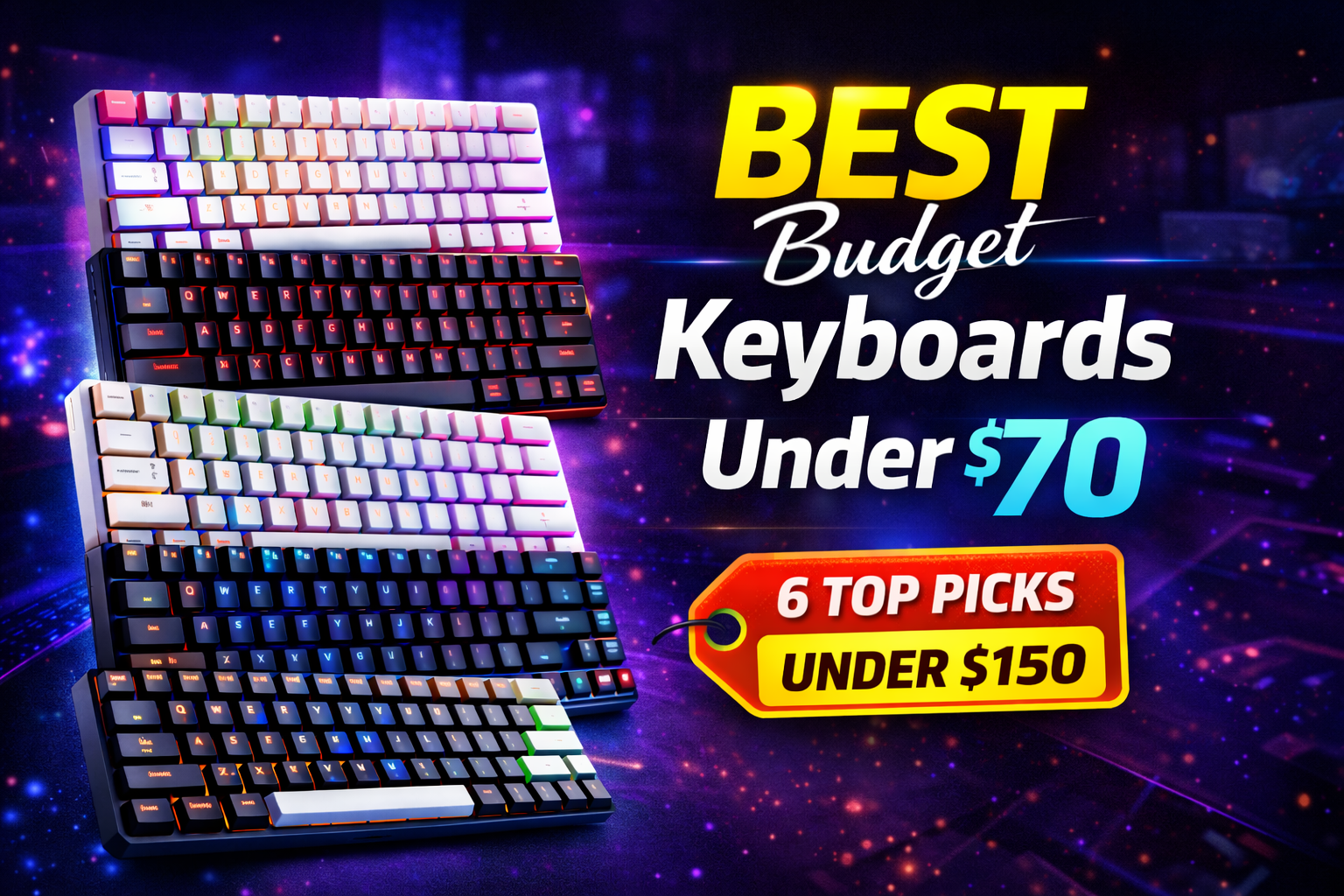
ToggleBest Budget Gaming Keyboards Under $70 2026: 6 Top Picks
A great gaming keyboard shouldn’t cost a month’s worth of game passes. In 2026, the sub-$70 market is stacked with options that deliver genuine mechanical switches, hot-swappable PCBs, and features once reserved for $150+ boards. Whether you’re building your first setup or upgrading on a tight budget, these six keyboards offer the best performance for your dollar without cutting corners that actually matter .
Quick Comparison: Best Budget Keyboards Under $70
| Keyboard | Price | Size | Switches | Key Feature | Best For |
|---|---|---|---|---|---|
| Redragon K552 | $45-55 | TKL | Outemu Blue | Aluminum top plate, NKRO | All-around reliability |
| Keychron C3 Pro | $55-65 | TKL | Gateron Red/Blue/Brown | PBT keycaps, QMK/VIA support | First-time mechanical buyers |
| Royal Kludge RK61 | $58-65 | 60% | Gateron Brown (hot-swap) | Tri-mode wireless, Bluetooth 5.0 | Minimalists & travelers |
| TECWARE Phantom 87 | $50-60 | TKL | Kailh Red | Linear switches, per-key RGB | Competitive FPS players |
| EPOMAKER THING 60% | $68-70 | 60% | Gateron Red/Brown | Hot-swappable, QMK/VIA support | Customization enthusiasts |
| HyperX Eve 1800 | $50-65 | 96% | Membrane (quiet) | Compact full-size, 12KRO | Space-savers who need numpad |
Redragon K552 Kumara ($45-55)
Best Overall Budget Mechanical Keyboard
The Redragon K552 remains the most recommended budget mechanical keyboard for good reason. Its aerospace-grade aluminum top plate gives it a premium feel you don’t expect at this price, while genuine Outemu Blue switches deliver the tactile feedback and audible click that mechanical keyboard fans love .
Who it’s for: Gamers who want a reliable, no-nonsense mechanical keyboard without RGB flash or unnecessary software. Perfect for MOBA players who appreciate crisp key feedback and typists who enjoy audible confirmation.
Key specs:
-
Outemu Blue switches (tactile/clicky)
-
Aluminum top plate construction
-
Full N-key rollover (NKRO)
-
Tenkeyless design saves desk space
-
RGB backlighting with multiple effects
-
Laser-etched keycaps that won’t fade
Pros: Metal frame at plastic price, true mechanical switches (not membrane hybrids), compact TKL layout leaves room for mouse movement, surprisingly durable for daily abuse, consistent switch performance across all keys, characters won’t fade over time .
Cons: Outemu Blues are loud—not ideal for shared spaces, stabilizers on larger keys can wobble slightly, tenkeyless means no numpad .
Check Redragon K552 price on Amazon
Keychron C3 Pro ($55-65)
Best Mechanical Keyboard for First-Time Buyers
Keychron has built a reputation for quality at reasonable prices, and the C3 Pro continues that tradition. It uses genuine Gateron switches—widely considered as good as or better than Cherry MX in some cases—and includes PBT keycaps that resist the shiny wear ABS keycaps develop over time. The gasket mount design provides a softer typing feel .
Who it’s for: First-time mechanical keyboard buyers who want a quality entry point without overthinking it. Also great for dual-platform users (Windows and Mac) who need seamless switching.
Key specs:
-
Gateron Red (linear), Blue (clicky), or Brown (tactile) switches
-
Shine-through PBT keycaps (oil-resistant)
-
QMK/VIA support for deep customization
-
Gasket mount design for softer typing feel
-
Compatible with Windows and Mac
-
8,000 Hz polling rate
Pros: PBT keycaps at this price are rare—they’ll outlast ABS caps by years, Gateron switches are smoother than many competitors, QMK/VIA software is best-in-class for customization, platform compatibility out of the box, 8K polling ensures zero input lag .
Cons: Plastic frame feels less premium than aluminum, actuation point is 2.0mm (deeper than some competitors), may be overkill for casual users .
Check Keychron C3 Pro price on Amazon
Royal Kludge RK61 ($58-65)
Best 60% Wireless Mechanical Keyboard
The RK61 packs impressive features into a tiny footprint: tri-mode connectivity, hot-swappable switches, and genuine Gateron Brown switches—all under $70. It’s one of the few keyboards at this price that lets you experiment with different switch types without soldering. With over 360 hours of standby battery life, it’s built for portability .
Who it’s for: Gamers with limited desk space, travelers who bring their keyboard to LAN parties, or anyone who wants to try different switch types over time.
Key specs:
-
60% ultra-compact layout
-
Gateron Brown switches (hot-swappable, 3/5-pin compatible)
-
Bluetooth 5.0 + 2.4GHz wireless + USB-C wired
-
Per-key RGB backlighting
-
Compatible with Windows, Android, iOS
-
360 hours standby battery (13 hours with RGB on)
Pros: Hot-swap sockets let you change switches without soldering—future-proof investment, wireless freedom across three connection modes, tiny footprint maximizes mouse space, Gateron Browns offer satisfying tactile bump without excessive noise, fantastic value at this price .
Cons: No dedicated arrow keys or function row (takes time to adapt), battery life drops significantly with RGB enabled, plastic build .
Check Royal Kludge RK61 price on Amazon
TECWARE Phantom 87 ($50-60)
Best Linear Option for Competitive Gaming
For gamers who want smooth, fast keystrokes without the click, the TECWARE Phantom 87 with Kailh Red switches delivers excellent linear performance. It features a clean black ABS case, per-key RGB, and N-key rollover—ensuring every keypress registers even during frantic combos .
Who it’s for: Competitive FPS players who need lightning-fast response times and prefer smooth key presses over tactile feedback.
Key specs:
-
Kailh Red linear switches
-
Per-key RGB lighting
-
N-key rollover
-
TKL layout
-
Customizable via Prism software
-
1000Hz polling rate
Pros: Linear switches allow faster double-taps, firmware customization without third-party tools, solid build for the price, smooth keystrokes ideal for gaming .
Cons: Plastic case isn’t as rigid as metal-framed competitors, ABS keycaps may develop shine over time, software is Windows-only .
Check TECWARE Phantom 87 price on Amazon
EPOMAKER THING 60% ($68-70)
Best for Customization Enthusiasts
If desk space is limited, the EPOMAKER THING 60% packs full mechanical performance into a tiny footprint. Despite lacking a numpad, F-keys, and arrow clusters, it supports QMK and VIA firmware, allowing deep customization—something rarely seen under $70. Its hot-swappable PCB lets you change switches without soldering, making it future-proof .
Who it’s for: Gamers who want to experiment with different switches and layouts, or anyone who values customization over out-of-box simplicity.
Key specs:
-
Gateron Red (linear) or Brown (tactile) switches
-
Hot-swappable PCB (MX-style 3/5-pin)
-
QMK/VIA firmware support
-
60% compact layout
-
RGB backlighting
Pros: QMK/VIA support is unprecedented at this price, hot-swap sockets enable endless experimentation, tiny footprint maximizes mouse space, community-driven firmware updates .
Cons: Missing dedicated arrow keys and function row, compact size requires adaptation period, no wireless option .
Check EPOMAKER THING 60% price on Amazon
HyperX Eve 1800 ($50-65)
Best Compact Full-Size Keyboard
The Eve 1800 uses an 1800 (96%) layout that squeezes a full number pad and function row into a chassis roughly four inches narrower than standard full-size keyboards. It’s the perfect solution if you need a numpad for work but want more mouse space for gaming. Using quiet membrane switches, it’s ideal for shared spaces .
Who it’s for: Work-from-home gamers who need numpad productivity during the day and competitive mouse space at night. Also great for small desks, dorm rooms, and quiet environments.
Key specs:
-
1800 (96%) compact layout
-
Membrane switches (quiet)
-
10-zone RGB lighting
-
12-key rollover anti-ghosting
-
Dedicated media controls
-
653g weight
Pros: Saves 4 inches of desk space while keeping numpad, quiet keys suit shared environments, anti-ghosting ensures key combinations register, HyperX NGENUITY software for lighting control, solid build for the price .
Cons: Membrane switches (not mechanical), only 10-zone RGB (not per-key), requires short adjustment period for compact layout, not ideal for competitive esports .
Check HyperX Eve 1800 price on Amazon
Buyer’s Guide: How to Choose Your Under-$70 Gaming Keyboard
1. Mechanical vs Membrane: Know the Difference
| Switch Type | Feel | Noise | Lifespan | Best For |
|---|---|---|---|---|
| Mechanical (Kailh, Gateron, Outemu) | Tactile or linear | Louder (clicky) | 50M+ keystrokes | Gamers, typists who want feedback |
| Rubber-dome (Eve 1800) | Mushy | Quiet | 5-10M keystrokes | Shared spaces, quiet setups |
The Redragon K552, Keychron C3 Pro, and RK61 deliver genuine mechanical performance at prices that undercut gaming brands by 50% or more. If you’ve never tried mechanical switches, the difference is immediate and significant .
2. Layout Decisions
| Layout | Width | Pros | Cons |
|---|---|---|---|
| Full-size | 17-18″ | Numpad, all keys | Takes most desk space |
| TKL (K552, C3 Pro, Phantom 87) | 14-15″ | More mouse room | No numpad |
| 96% (Eve 1800) | 14″ | Numpad + compact | Tighter spacing |
| 60% (RK61, EPOMAKER) | 11-12″ | Maximum space | No F-keys, arrows |
The HyperX Eve 1800’s 1800 layout is the sweet spot for gamers who need numpad functionality—you get full productivity capability while reclaiming inches of mouse space .
3. Hot-Swap: The Future-Proof Feature
The Royal Kludge RK61 and EPOMAKER THING 60% include hot-swappable switch sockets, meaning you can change switches later without soldering. This turns a $60 keyboard into a platform you can upgrade over years—replace worn switches, experiment with different feels, or customize actuation force .
4. Switch Types Explained
| Switch Type | Feel | Noise | Best For |
|---|---|---|---|
| Linear (Red) | Smooth, no bump | Quiet | Fast-paced gaming |
| Tactile (Brown) | Noticeable bump | Moderate | All-purpose, typing + gaming |
| Clicky (Blue) | Sharp bump | Loud | Typing, feedback lovers |
If you’re unsure, tactile Browns offer the best balance for most users .
5. What to Look For in a Budget Keyboard
-
True Mechanical Switches: Avoid “mechanical-feel” membranes. Look for Kailh, Gateron, or Outemu switches listed in specs .
-
N-Key Rollover (NKRO): Ensures multiple simultaneous keypresses register correctly—critical for complex game inputs .
-
Durable Construction: Metal plates or reinforced frames reduce flex and increase longevity .
-
Keycap Material: PBT keycaps resist shine and wear better than ABS .
-
Hot-Swap Support: Allows switch replacement without soldering—future-proof investment .
Frequently Asked Questions
Can a $70 mechanical keyboard really compete with $150 models?
Yes. While premium keyboards may offer aluminum cases, PBT keycaps, or advanced software, the core performance—switch speed, actuation, and key registration—is nearly identical in well-designed budget models. The Redragon K552 and Keychron C3 Pro use the same Gateron and Kailh switches found in boards costing twice as much .
Are Kailh or Gateron switches as good as Cherry MX?
In many cases, yes. Kailh and Gateron have refined their manufacturing and now produce switches that are smoother, quieter, and sometimes more durable than Cherry equivalents. Gateron Browns and Kailh Reds are actually preferred by some enthusiasts over their Cherry counterparts .
Do I need RGB lighting on a gaming keyboard?
No. RGB is purely aesthetic and doesn’t affect performance. Focus on switch quality and ergonomics first. The Keychron C3 Pro offers white backlighting for those who want illumination without RGB premium .
What’s the most durable keyboard under $70?
The Redragon K552’s aluminum top plate gives it exceptional rigidity for the price . The Keychron C3 Pro’s PBT keycaps will outlast ABS caps by years without developing shiny spots . For longevity, prioritize these construction details over flashy features.
Are cheap mechanical keyboards loud?
It depends on switches. Kailh/Outemu Blues (Redragon K552) are intentionally clicky and loud. Gateron Reds (Keychron C3 Pro) are linear and quieter. Browns (RK61) offer a middle ground with tactile feedback but less noise. If noise is a concern, choose linear “Red” switches or tactile “Brown” over clicky “Blue” variants .
What’s the difference between wired and wireless for gaming?
Wired connections offer zero latency and no battery concerns—ideal for competitive gaming. Wireless options like the RK61 offer convenience and clean desk setups, but 2.4GHz is preferred over Bluetooth for gaming due to lower latency .
Final Verdict
| Your Priority | Recommended Pick |
|---|---|
| Best all-around mechanical | Redragon K552 |
| Best for first-time buyers | Keychron C3 Pro |
| Most portable/flexible | Royal Kludge RK61 |
| Best for competitive FPS | TECWARE Phantom 87 |
| Best for customization | EPOMAKER THING 60% |
| Best compact full-size | HyperX Eve 1800 |
The idea that you need to spend $150+ for a capable gaming keyboard is outdated. Today’s best budget options deliver genuine mechanical switches, thoughtful layouts, and surprising durability—all under $70. Whether you’re replacing a worn-out membrane board or building your first serious setup, these keyboards prove that performance doesn’t require premium pricing .
The difference in responsiveness and comfort is immediate and lasting. Pick one, set it up, and feel the upgrade yourself.
If you’re comparing budget mechanical options, our AJAZZ AK820 review covers a solid 75% alternative with gasket mount and hot-swappable switches.