Disclosure: This article may contain affiliate links. We may earn a commission at no additional cost to you.
Table of Contents
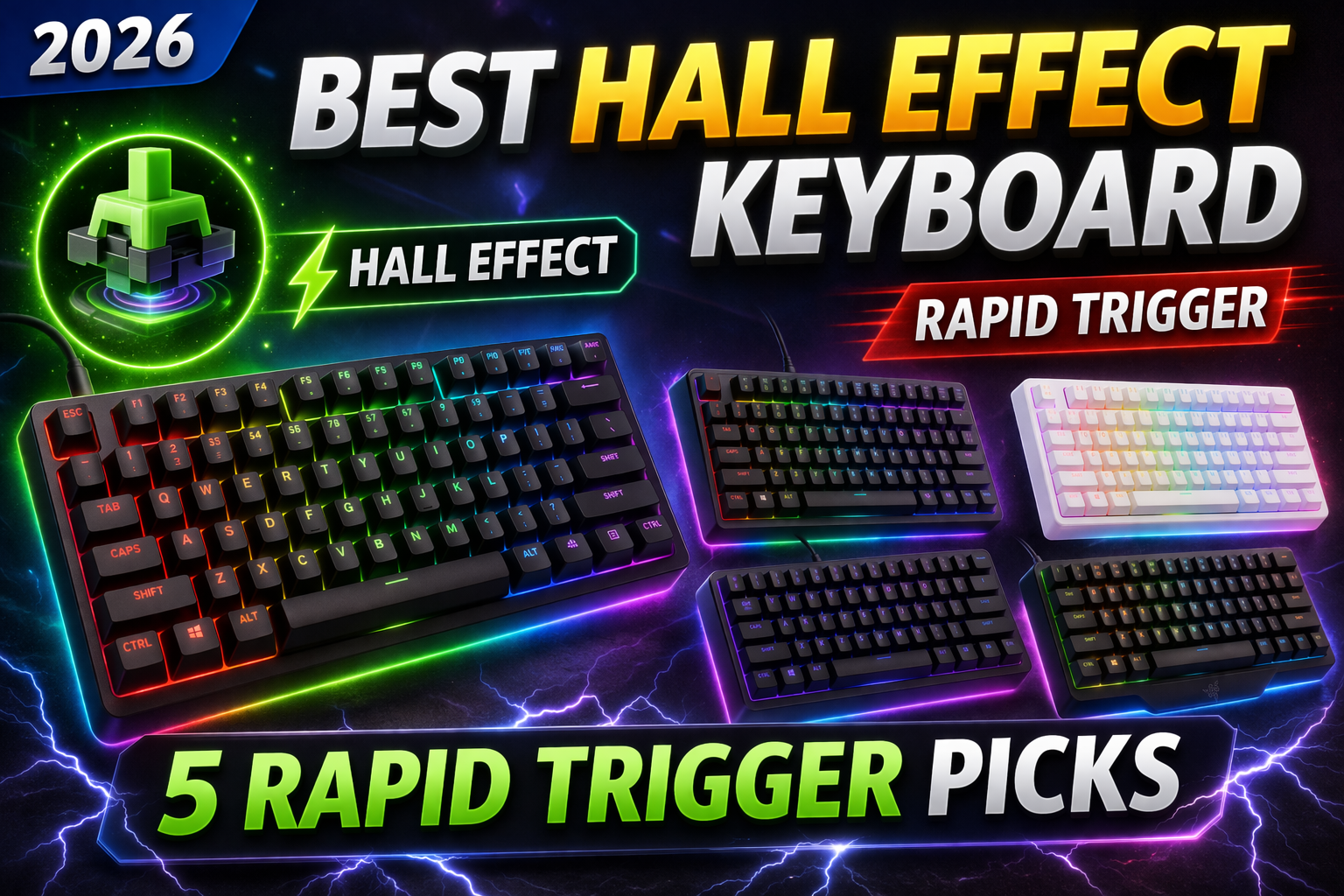
ToggleBest Hall Effect Keyboard 2026: 5 Rapid Trigger Picks for Faster Gaming
Mechanical switches are no longer the only game in town. Hall Effect magnetic keyboards have exploded in popularity, offering adjustable actuation points, lightning‑fast rapid trigger, and durability that traditional mechanical switches can’t match. In 2026, these keyboards are no longer niche—they’re mainstream, with options for every budget. This guide explains what makes Hall Effect keyboards special and rounds up the five best models you can buy today.
Quick Comparison: Best Hall Effect Keyboards 2026
| Model | Layout | Key Feature | Actuation Range | Rapid Trigger | Price |
|---|---|---|---|---|---|
| Wooting 60HE+ | 60% | Industry standard, analog input | 0.1–4.0 mm | Yes | $175–195 |
| Razer Huntsman V3 Pro | TKL / 60% | Tournament‑proven, Snap Tap | 0.1–4.0 mm | Yes | $199–249 |
| Keychron Q1 HE | 75% | Full aluminium, QMK/VIA | 0.2–3.8 mm | Yes | $199–219 |
| SteelSeries Apex Pro TKL (2026) | TKL | OmniPoint 3.0, adjustable per key | 0.2–3.8 mm | Yes | $199–239 |
| NuPhy Air60 HE | 60% Low‑profile | Affordable, portable | 0.3–3.2 mm | Yes | $119–139 |
Prices are approximate as of March 2026 and may vary by region and retailer.
What Is a Hall Effect Keyboard?
A Hall Effect keyboard uses magnetic sensors instead of physical metal contacts. Each key has a magnet embedded in the stem; when you press down, the sensor detects the change in magnetic field and registers the keystroke.
Unlike traditional mechanical switches (which rely on two pieces of metal touching), Hall Effect switches have no physical contact. This means:
No debounce delay – keystrokes register instantly.
No contact wear – switches last far longer.
Adjustable actuation – you can set exactly how far you need to press for a key to register.
The result is a keyboard that can be tuned to your exact preference—from hair‑trigger sensitivity for gaming to a deeper, more deliberate feel for typing.
Key Hall Effect Features That Matter in 2026
Adjustable Actuation Point
With standard mechanical switches, you’re stuck with the manufacturer’s fixed actuation point (usually around 2.0 mm). Hall Effect keyboards let you dial in anywhere from 0.1 mm (barely touch) to 4.0 mm (full press). This is a game‑changer for both gaming and typing.
Rapid Trigger
Rapid Trigger is the killer feature for competitive gaming. It resets the key as soon as you start lifting, rather than waiting for the switch to physically return to a certain height. This allows you to repeatedly press a key much faster—perfect for strafing in CS2 or Valorant, or for rapid‑fire actions in any game.
Durability
With no physical contact, Hall Effect switches have virtually no wear. They’re rated for well over 100 million keystrokes, easily outlasting traditional mechanical switches.
Per‑Key Customization
Most high‑end Hall Effect boards let you adjust actuation point per key. You can set WASD to 0.1 mm for instant movement while keeping the spacebar at 1.5 mm to avoid accidental jumps. Some also allow multiple actuation points on a single key (e.g., light press = walk, deep press = run).
The 5 Best Hall Effect Keyboards in 2026
1. Wooting 60HE+ – The Original Analog King
Wooting pioneered the magnetic keyboard revolution, and the 60HE+ remains the gold standard. It features a 60% layout, Lekker magnetic switches, and the deepest software integration (Wootility). The analog input can emulate a controller joystick, giving you fine control in racing or flight games.
Who it’s for: Competitive gamers who want the best responsiveness and don’t mind a compact layout. Also ideal for anyone who wants analog control for games that support it.
Key specs:
60% layout (no arrow keys)
Lekker Hall Effect switches
Adjustable actuation: 0.1–4.0 mm
Rapid Trigger + analog input
Wootility software (web‑based, no install)
Hot‑swap sockets (compatible with other HE switches)
Pros: Unmatched software, analog functionality, massive community support, low latency.
Cons: No arrow keys, premium price, may need time to adjust to 60%.
Check Wooting 60HE+ price on Wooting.io
2. Razer Huntsman V3 Pro – Tournament‑Ready
Razer brought Hall Effect to the mainstream with the Huntsman V3 Pro. It’s available in 60%, TKL, and full‑size. Razer’s Snap Tap feature (their version of Rapid Trigger) has been adopted by pro players in Valorant and CS2.
Who it’s for: Competitive players who want a proven, tournament‑ready board with a familiar brand and multiple size options.
Key specs:
Available in 60%, TKL, full‑size
Razer Magnetic Switches (Gen‑2)
Adjustable actuation: 0.1–4.0 mm
Rapid Trigger + Snap Tap
Razer Synapse 4 software
Pros: Widely available, multiple layouts, excellent build quality, low input lag.
Cons: Synapse software can be resource‑heavy, pricey.
Check Razer Huntsman V3 Pro price
3. Keychron Q1 HE – The Enthusiast’s Choice
Keychron brought their signature aluminium case and QMK/VIA programmability to the Hall Effect world. The Q1 HE is a 75% board (arrow keys + function row) with a solid, heavy chassis that feels premium. It uses Gateron double‑rail magnetic switches.
Who it’s for: Typists and gamers who want a premium build, full programmability, and a standard layout that doesn’t sacrifice arrow keys.
Key specs:
75% layout with dedicated arrow keys
Gateron double‑rail magnetic switches
Adjustable actuation: 0.2–3.8 mm
Rapid Trigger
QMK/VIA compatible (web‑based configuration)
Pros: Premium aluminium case, QMK/VIA, great typing feel, no software to install.
Cons: Heavier, limited to one layout, slightly higher latency than Wooting (still excellent).
Check Keychron Q1 HE price on Keychron.com
4. SteelSeries Apex Pro TKL (2026) – Refined OmniPoint
SteelSeries updated their Apex Pro lineup with OmniPoint 3.0 switches. The TKL version balances compactness with dedicated function keys. It features per‑key adjustable actuation and Rapid Trigger, all controlled through SteelSeries GG software.
Who it’s for: Gamers who want a TKL layout, physical OLED screen for on‑the‑fly adjustments, and a proven brand.
Key specs:
TKL layout
OmniPoint 3.0 Hall Effect switches
Adjustable actuation: 0.2–3.8 mm
Rapid Trigger
OLED display for settings
SteelSeries GG software
Pros: Solid build, OLED screen, robust software, easy to find.
Cons: Software is heavy, no analog input.
Check SteelSeries Apex Pro TKL price on Amazon
5. NuPhy Air60 HE – Best Budget Portable Pick
If you want Hall Effect features without breaking the bank, the NuPhy Air60 HE is a standout. It’s a low‑profile 60% keyboard, ideal for travel or small desks. Despite the low price, it includes adjustable actuation, Rapid Trigger, and hot‑swap magnetic switches.
Who it’s for: Gamers on a budget, laptop users, or anyone who wants to try Hall Effect without a big investment.
Key specs:
60% low‑profile layout
NuPhy magnetic switches
Adjustable actuation: 0.3–3.2 mm
Rapid Trigger
Wired only (USB‑C)
Lightweight (under 500g)
Pros: Affordable, portable, good software, surprisingly snappy.
Cons: Limited to wired, lower build quality than premium boards.
Check NuPhy Air60 HE price on Nuphy.com
Buyer’s Guide: How to Choose a Hall Effect Keyboard
1. Layout – Pick What You Actually Use
| Layout | Pros | Cons |
|---|---|---|
| 60% | Maximum desk space, portable | No arrow keys, no F‑row |
| TKL | Arrow keys + function row, still compact | Larger than 60% |
| 75% | Arrow keys + F‑row in compact footprint | Slightly larger than TKL |
| Full‑size | Includes numpad | Takes most desk space |
If you play games that use F‑keys (e.g., MMOs) or need arrow keys for work, avoid 60% boards.
2. Software – Desktop vs Web‑Based
Wooting uses a web‑based tool (Wootility) – no installation, lightweight.
Keychron uses QMK/VIA – also web‑based, but requires a JSON file for configuration.
Razer and SteelSeries use desktop software (Synapse, GG) – more features but heavier.
If you hate background software, choose Wooting or Keychron.
3. Rapid Trigger – Must‑Have for Competitive Gaming
If you play FPS titles, Rapid Trigger is the main reason to go Hall Effect. It lets you press and release keys faster by resetting the moment you start lifting. All five keyboards above support it, but implementation varies. Wooting and Razer have the most refined versions.
4. Actuation Range – For Fine Control
A wider actuation range (0.1–4.0 mm) gives you more flexibility. Wooting and Razer offer the full 0.1–4.0 mm; Keychron and SteelSeries are slightly narrower (0.2–3.8 mm), which is still excellent.
5. Build Quality & Typing Feel
Keychron Q1 HE – heavy aluminium, gasket mount, great for typing.
NuPhy Air60 HE – lightweight plastic, low‑profile, portable.
Wooting / Razer / SteelSeries – plastic cases but sturdy.
If you type a lot (coding, writing), consider a gasket‑mounted board like the Keychron for a softer feel.
6. Budget – What to Expect
| Price Range | What You Get |
|---|---|
| $100–150 | Basic Hall Effect, often plastic case, limited software (e.g., NuPhy) |
| $150–200 | Premium plastic, advanced software, full features (Wooting, Razer) |
| $200+ | Aluminium case, gasket mount, top‑tier components (Keychron) |
Frequently Asked Questions
What is the difference between Hall Effect and optical switches?
Both are non‑contact switches. Hall Effect uses magnetic fields; optical uses light. Hall Effect allows per‑key adjustable actuation and analog input; optical switches usually have fixed actuation and no analog.
Do I need a Hall Effect keyboard for gaming?
Not strictly, but if you play competitive FPS, Rapid Trigger can give you a tangible advantage. For casual gaming, a good mechanical keyboard is still perfectly fine.
Can I use Hall Effect keyboards for typing?
Yes, but the feel differs. You can set actuation deeper (e.g., 2.0 mm) to avoid accidental presses, making them comfortable for typing as well.
Are Hall Effect switches compatible with standard keycaps?
Yes – most Hall Effect keyboards use MX‑style stems, so you can swap keycaps with any standard Cherry MX‑compatible set.
Do I need special software to configure them?
Yes, all Hall Effect keyboards require software to set actuation points, macros, and Rapid Trigger. Some (Wooting, Keychron) offer web‑based tools; others use desktop apps.
Which Hall Effect keyboard is best for first‑time buyers?
The NuPhy Air60 HE is the most affordable entry point. If you want the full experience and can spend a bit more, the Wooting 60HE+ is the safest bet.
Final Verdict
Hall Effect keyboards are no longer a niche enthusiast product – they’re a mainstream choice for gamers and typists alike in 2026. With adjustable actuation, Rapid Trigger, and unmatched durability, they offer features that mechanical switches simply can’t match.
| Your Priority | Recommended Model |
|---|---|
| Best overall & most features | Wooting 60HE+ |
| Tournament‑ready with multiple sizes | Razer Huntsman V3 Pro |
| Premium build with QMK/VIA | Keychron Q1 HE |
| TKL with OLED screen | SteelSeries Apex Pro TKL |
| Best budget / portable | NuPhy Air60 HE |
Choose the one that fits your layout preference and budget, and enjoy a level of control you never thought possible from a keyboard.
If you’re looking for more traditional mechanical options, our best budget gaming keyboards guide covers top picks for people with a budget.